

Settings
Open Settings at the bottom of the sidebar. It has two tabs: Appearance and Output.
Appearance
Section titled “Appearance”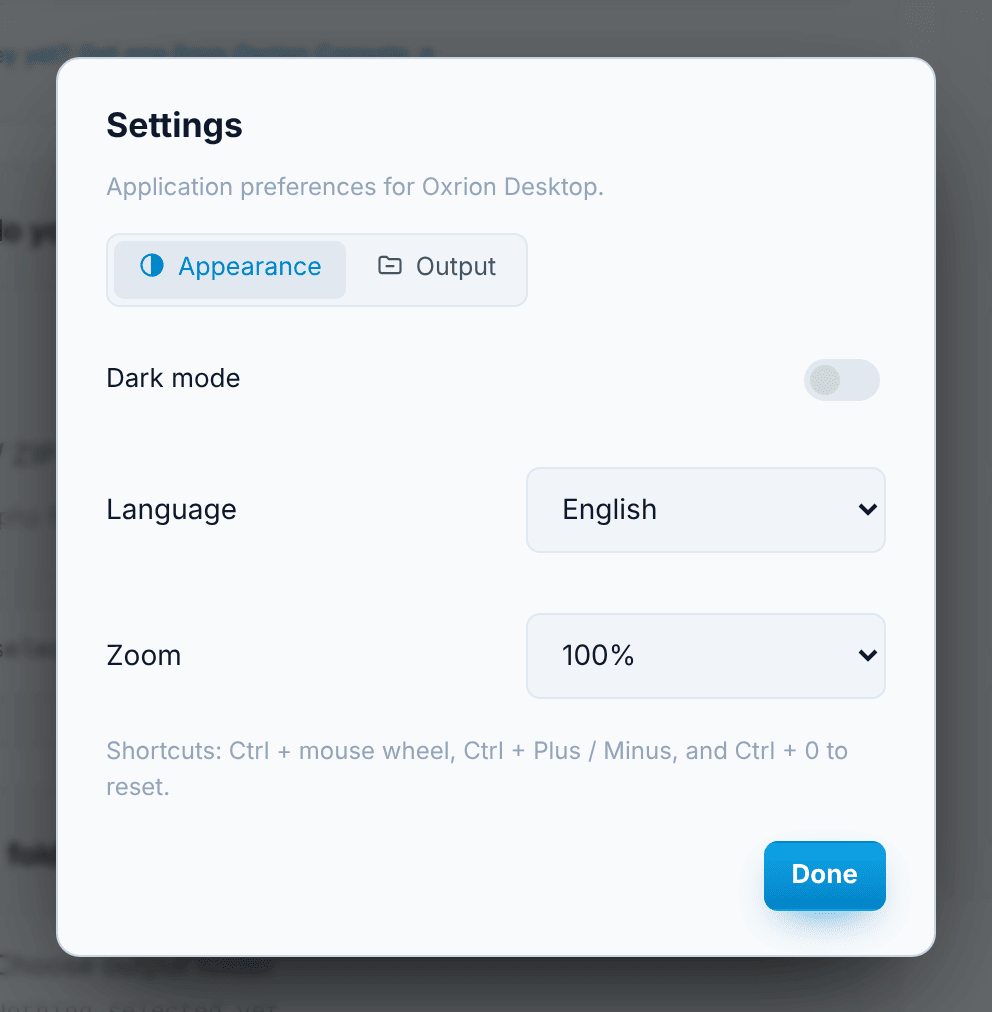
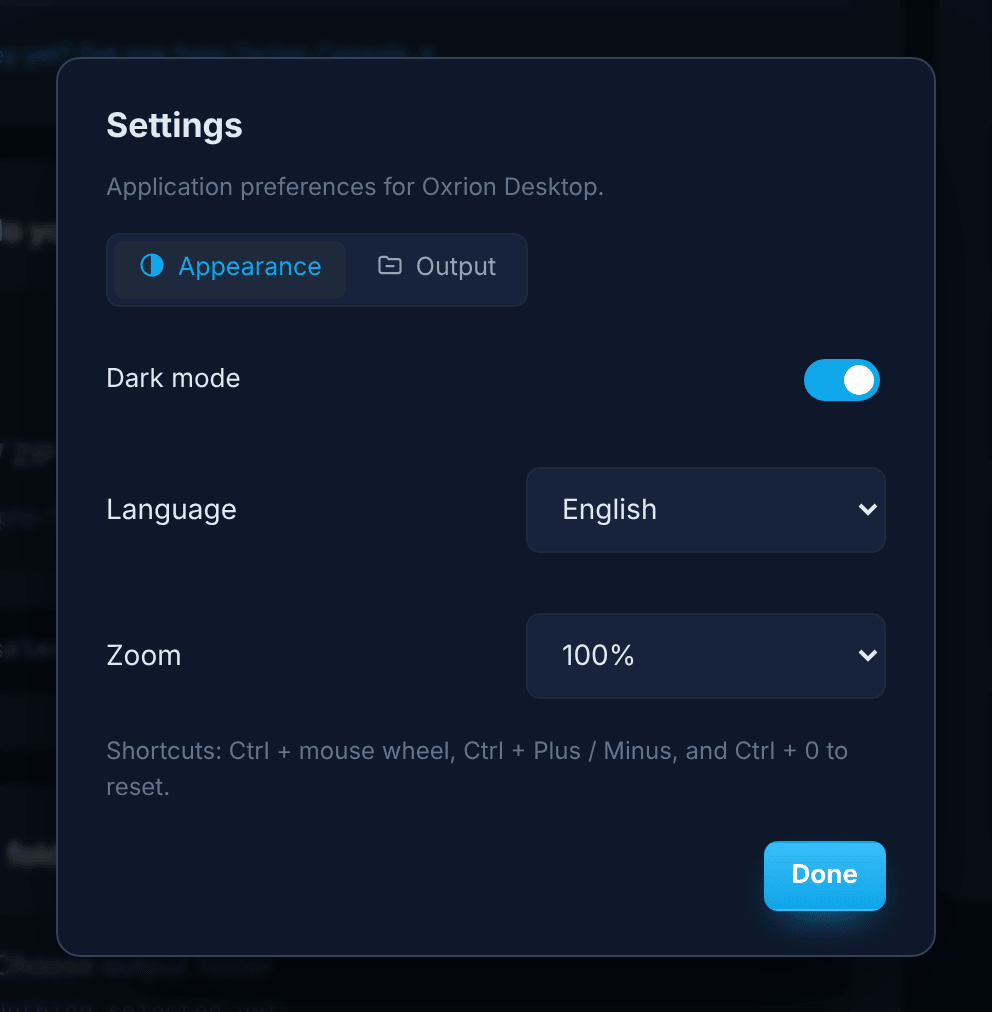
| Setting | What it does |
|---|---|
| Dark mode | Switches between the dark and light theme. |
| Language | The app’s language. System default follows your computer. |
| Zoom | Makes the whole app smaller or larger: 80%, 90%, 100% or 110%. |
You can also zoom with the keyboard: Ctrl + mouse wheel, Ctrl + Plus / Ctrl + Minus, and Ctrl + 0 to go back to 100%. The zoom level briefly appears at the top of the window, and is remembered the next time you open the app.
Output
Section titled “Output”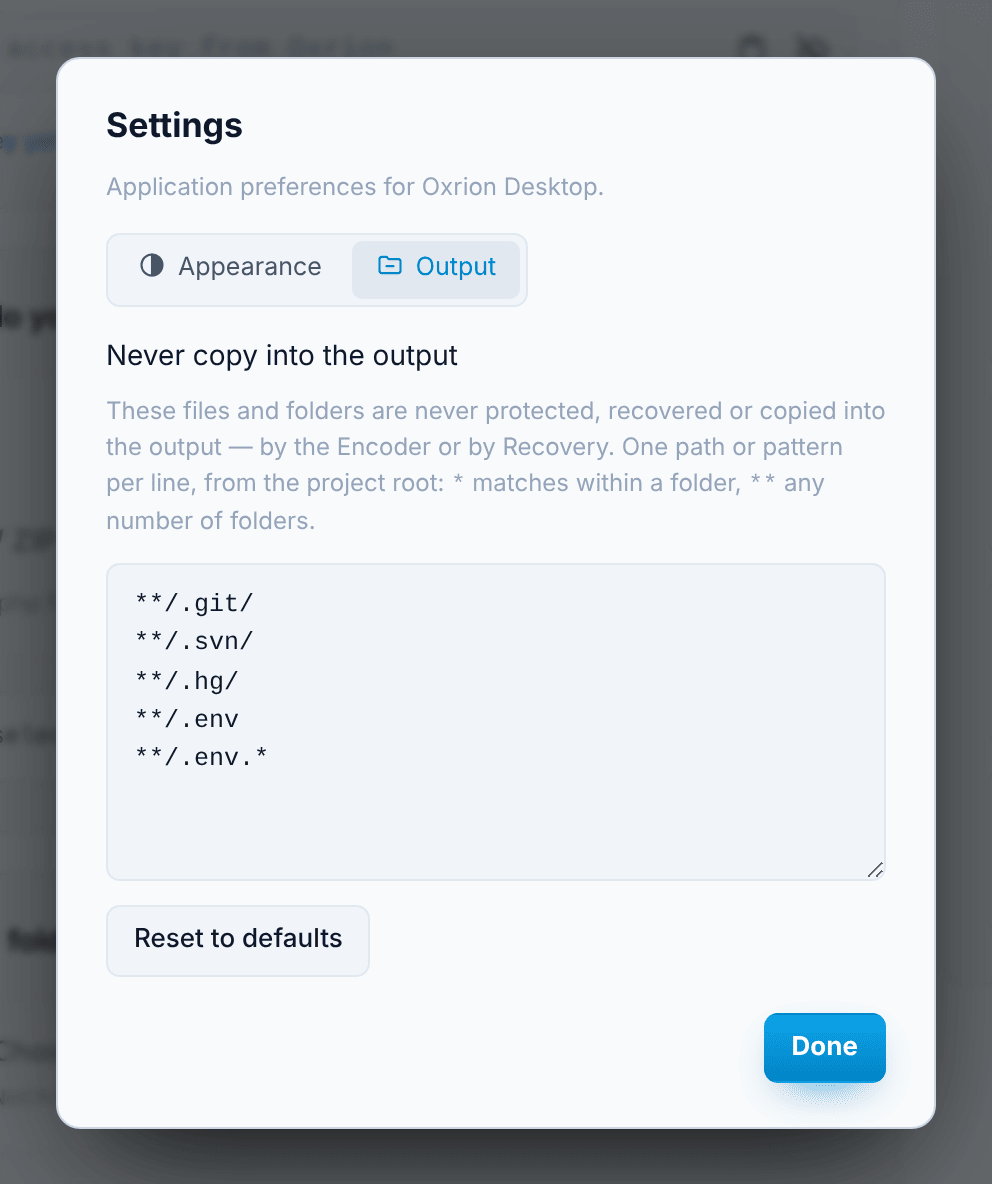
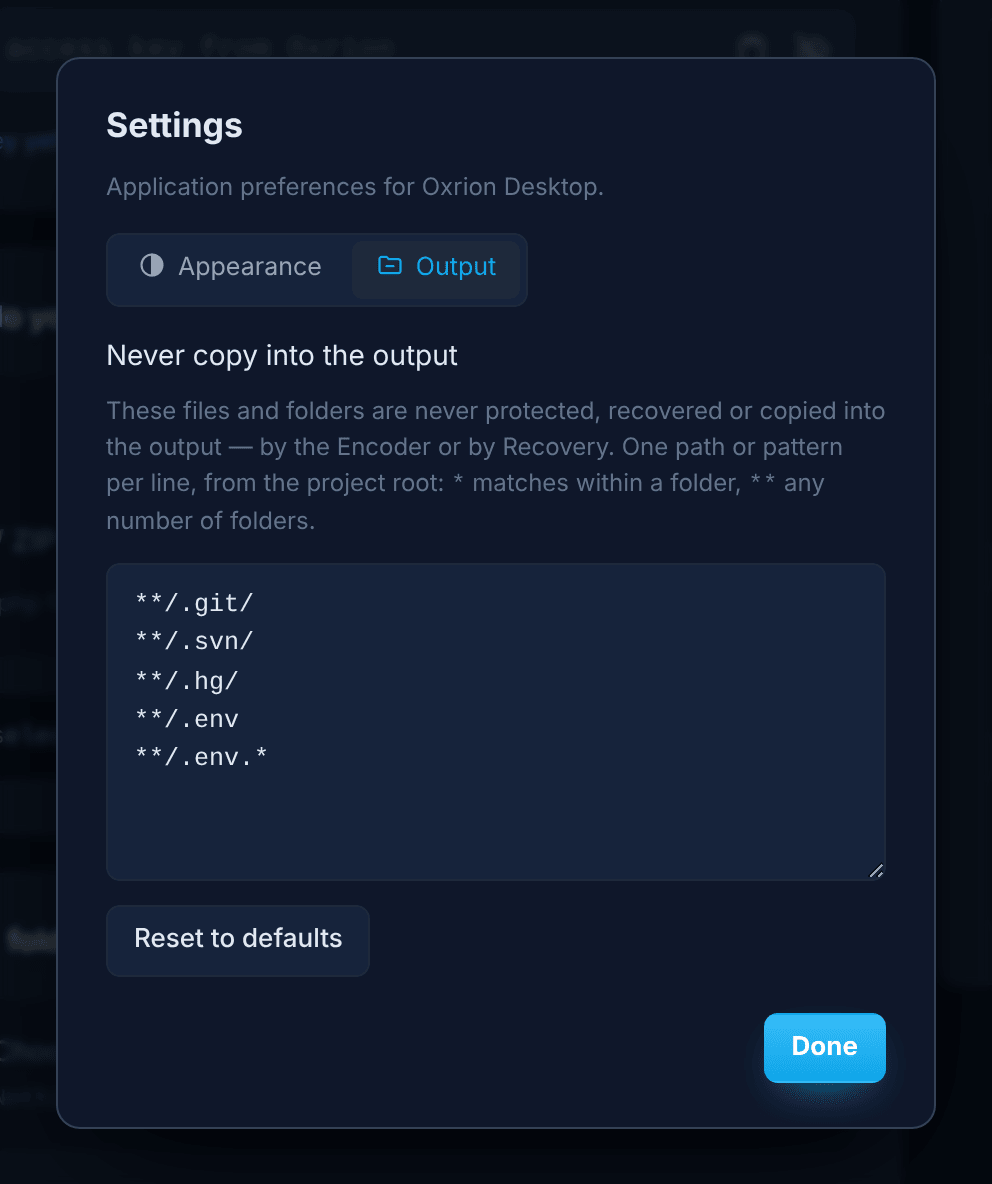
Never copy into the output lists files and folders that never go into the output — they are not protected, not recovered and not copied, by the Encoder or by Recovery. In the Choose files window they are marked never copied.
It starts with:
**/.git/**/.svn/**/.hg/**/.env**/.env.*Version control folders hold every past version of your source in readable form, and .env files hold passwords and keys — neither belongs in a protected delivery. Add your own lines, for example editor folders such as .idea/, or remove a line you need. Changes are saved as you type; Reset to defaults brings back the list above.
One path or pattern per line, from the project root, written like oxrion.ignore: * matches within one folder, ** any number of folders, and a folder covers everything inside it. Lines that point outside the project aren’t accepted. The list applies to every project.