
Using the app
Every screen in the app, field by field. For each form you’ll see what the field is and whether it’s Required or Optional — so you know exactly what you must fill in.
For what each service is, see the Services pages.
Encoder — protect your code
Section titled “Encoder — protect your code”The main screen. Only the .php files you choose are sent to the Encoder; everything else stays on your machine and is copied to the output untouched.
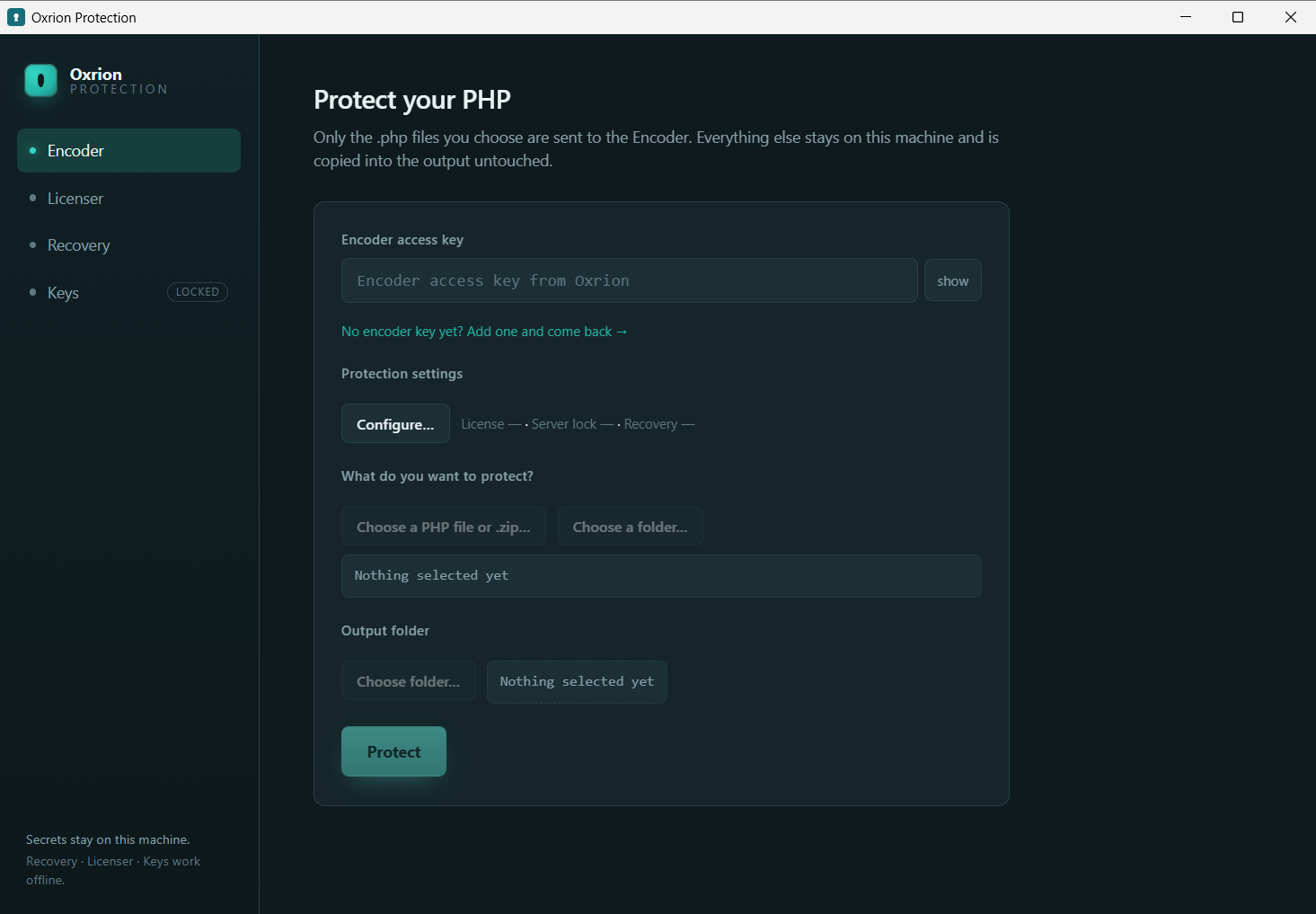
| Field | What it is | |
|---|---|---|
| Encoder access key | Required | Your Encoder Key from app.oxrion.com (labelled “Encoder access key” here). Powers the Encoder and carries your daily limit. |
| Protection settings | Optional | Opens Configure… (below). Leave everything off for the simplest protection. |
| What do you want to protect? | Required | Choose a PHP file, a .zip, or a folder. |
| Output folder | Required | Where the protected copy is written. |
Press Protect and you get your protected files back, structure intact.
Configure… — protection settings
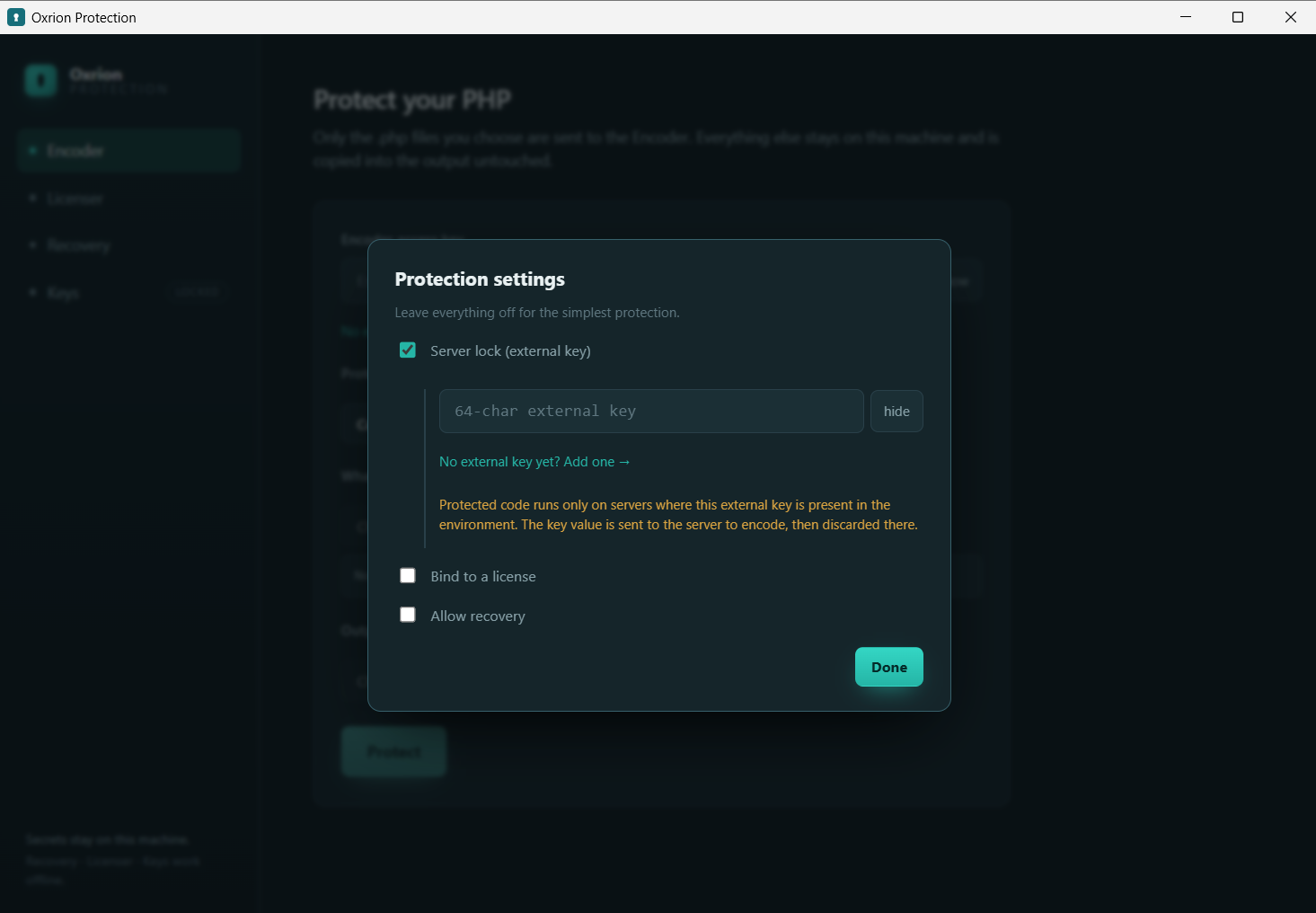
Section titled “Configure… — protection settings”Everything here is optional — off means “just protect it.”
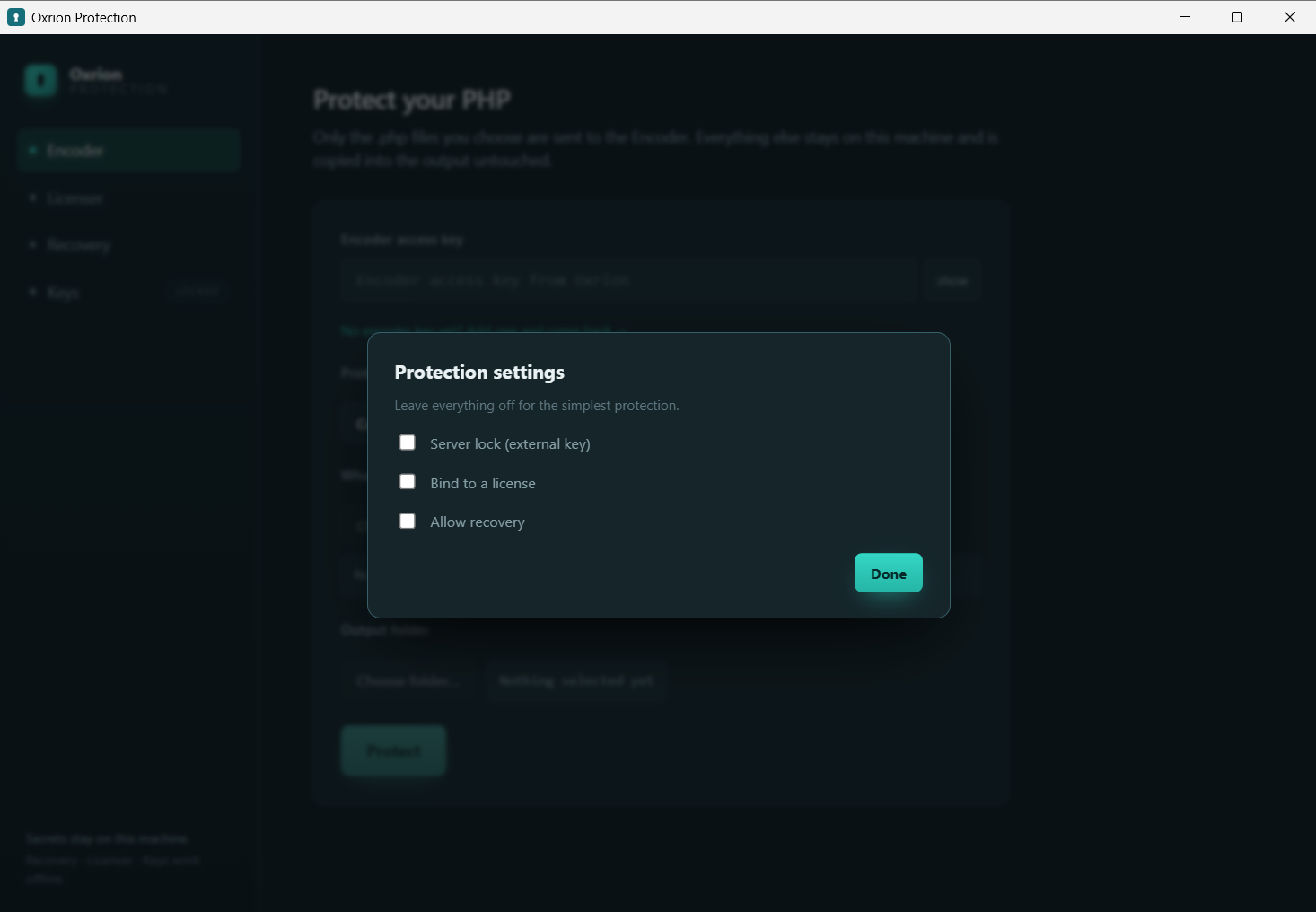
| Option | What it does | |
|---|---|---|
| Server lock (external key) | Optional | Bind the code to one server. Needs an external key. |
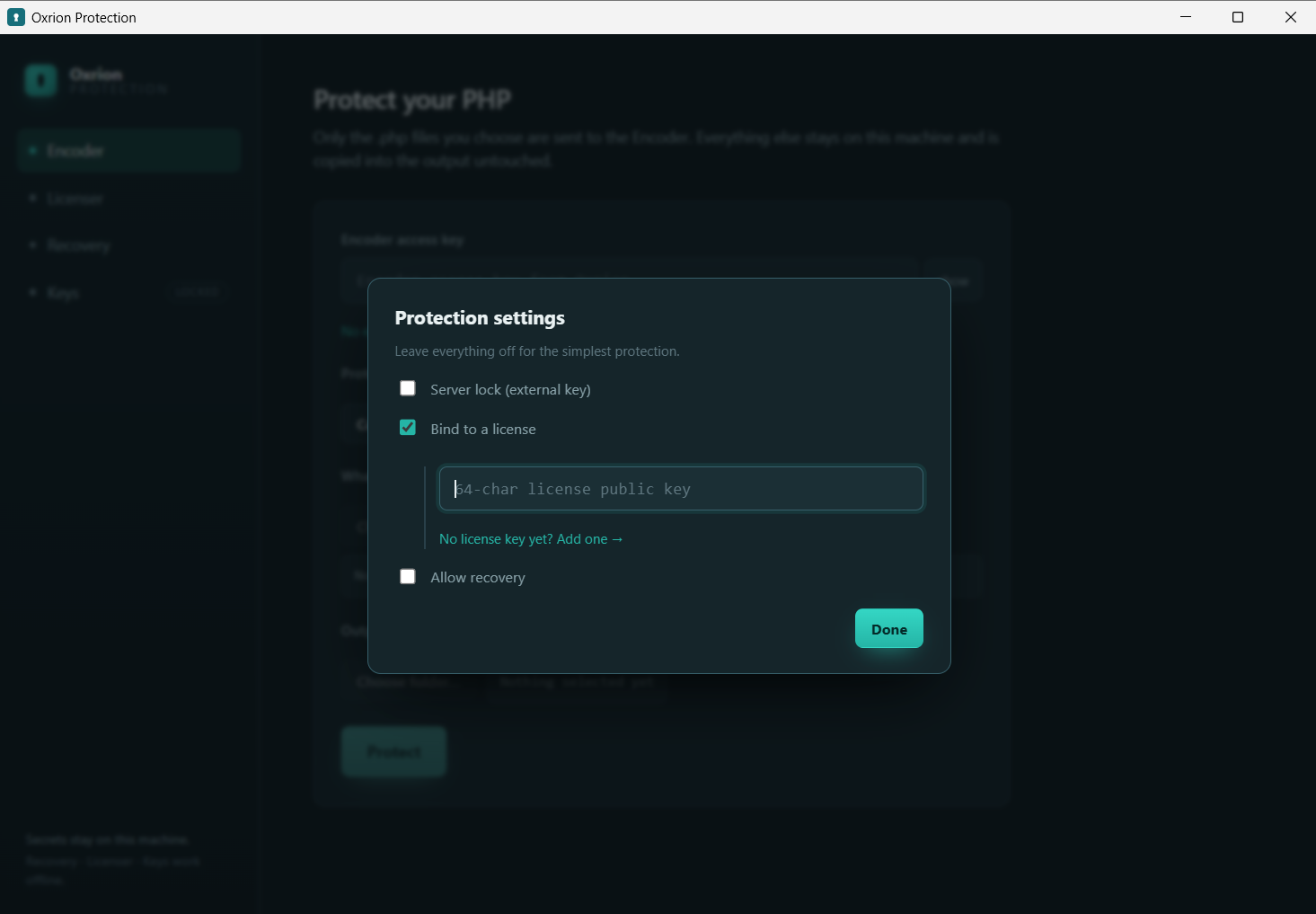
| Bind to a license | Optional | Require a license to run. Turning it on reveals the field below. |
| → License public key | Required if on | The 64-character public key from your license keypair. |
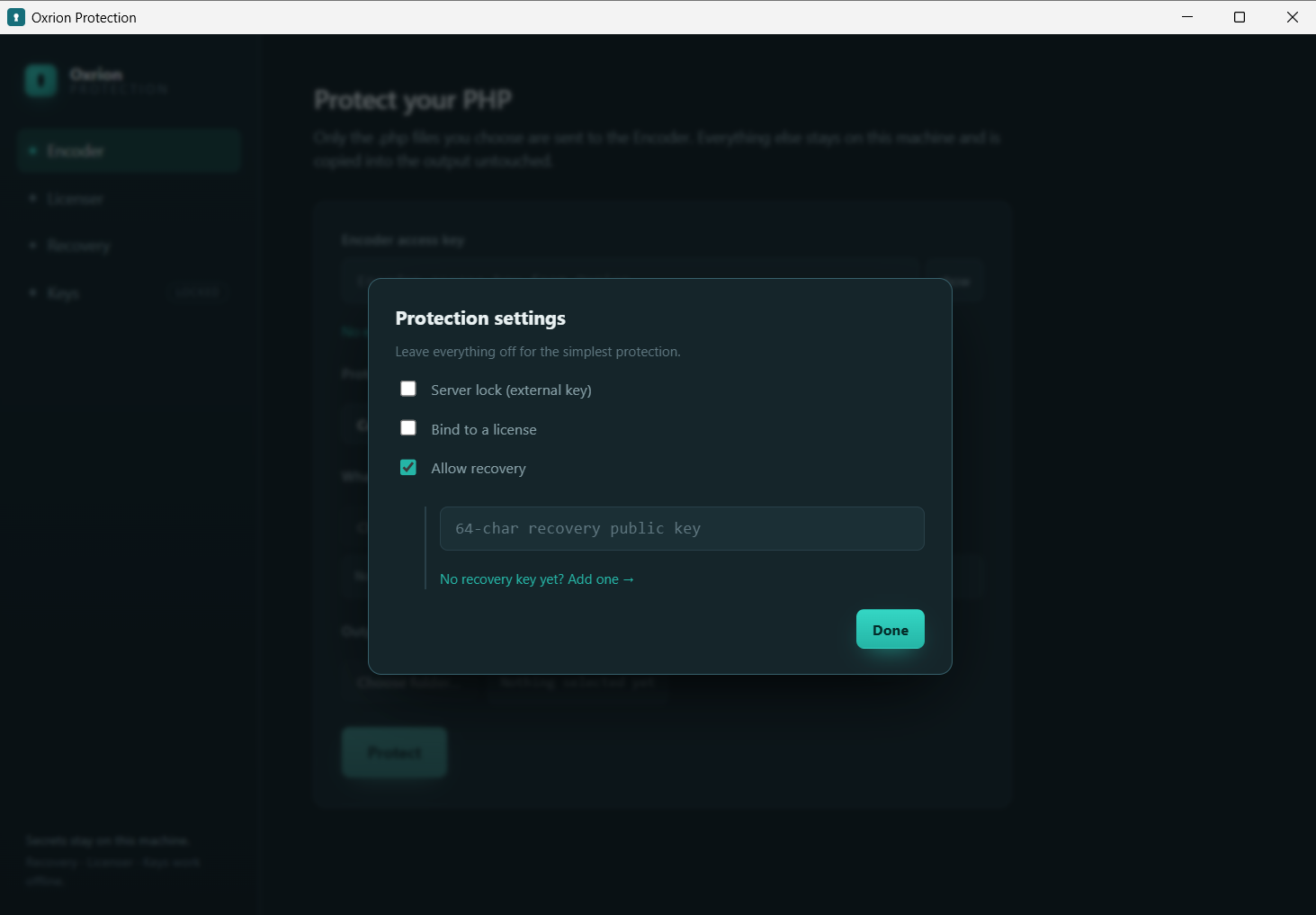
| Allow recovery | Optional | Embed the ability to restore this file to source later. Needs a recovery key. |
Licenser — create or renew a license
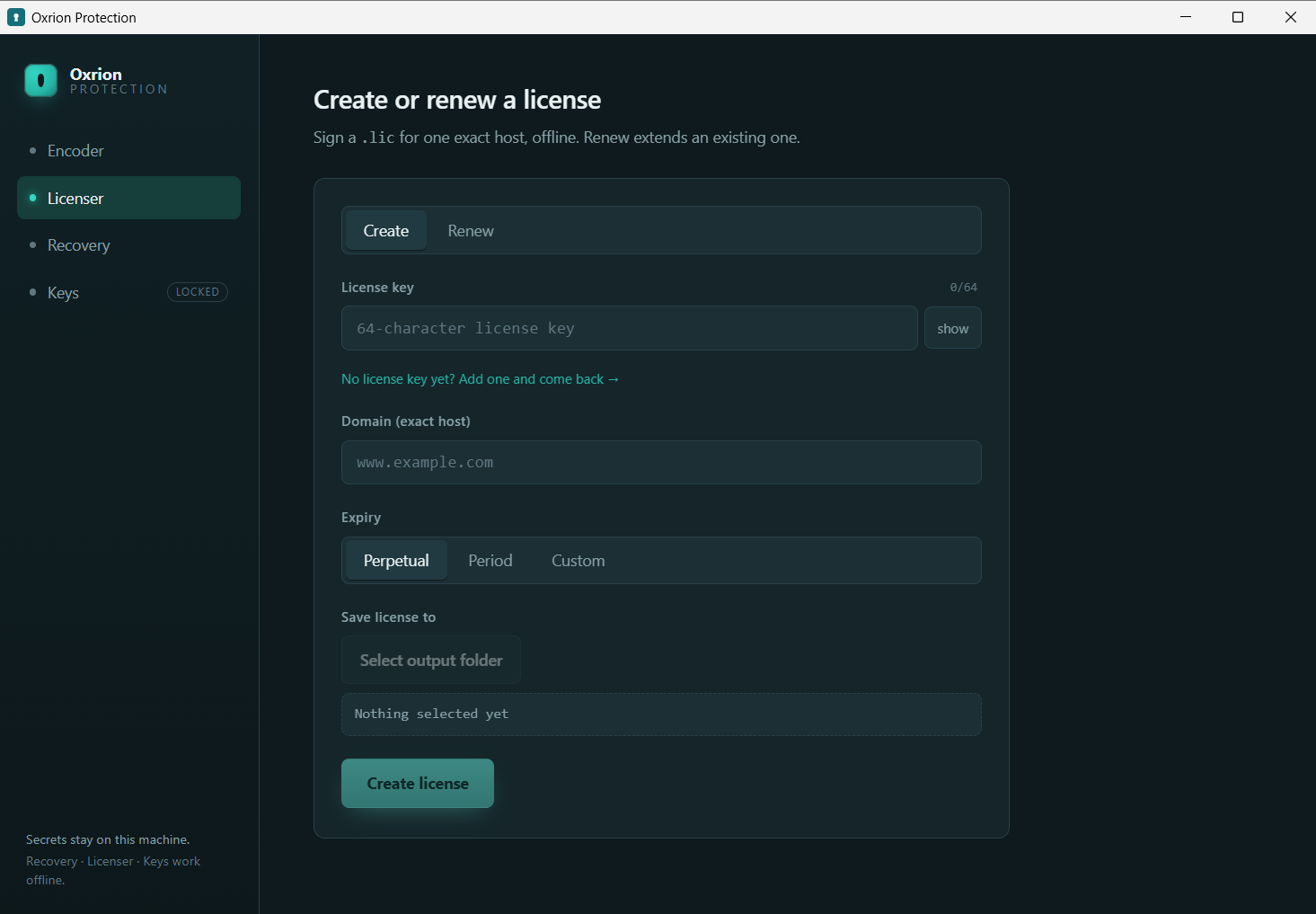
Section titled “Licenser — create or renew a license”Sign a .lic for one exact host, offline. Renew extends an existing one.
| Field | What it is | |
|---|---|---|
| License key | Required | The 64-character private key that signs this license, from your license keypair. |
| Domain (exact host) | Required | The host the license is valid for, e.g. www.example.com. |
| Expiry | Required | Perpetual, Period, or Custom date. |
| Save license to | Required | Where the .lic file is written. |
Keys — your encrypted vault
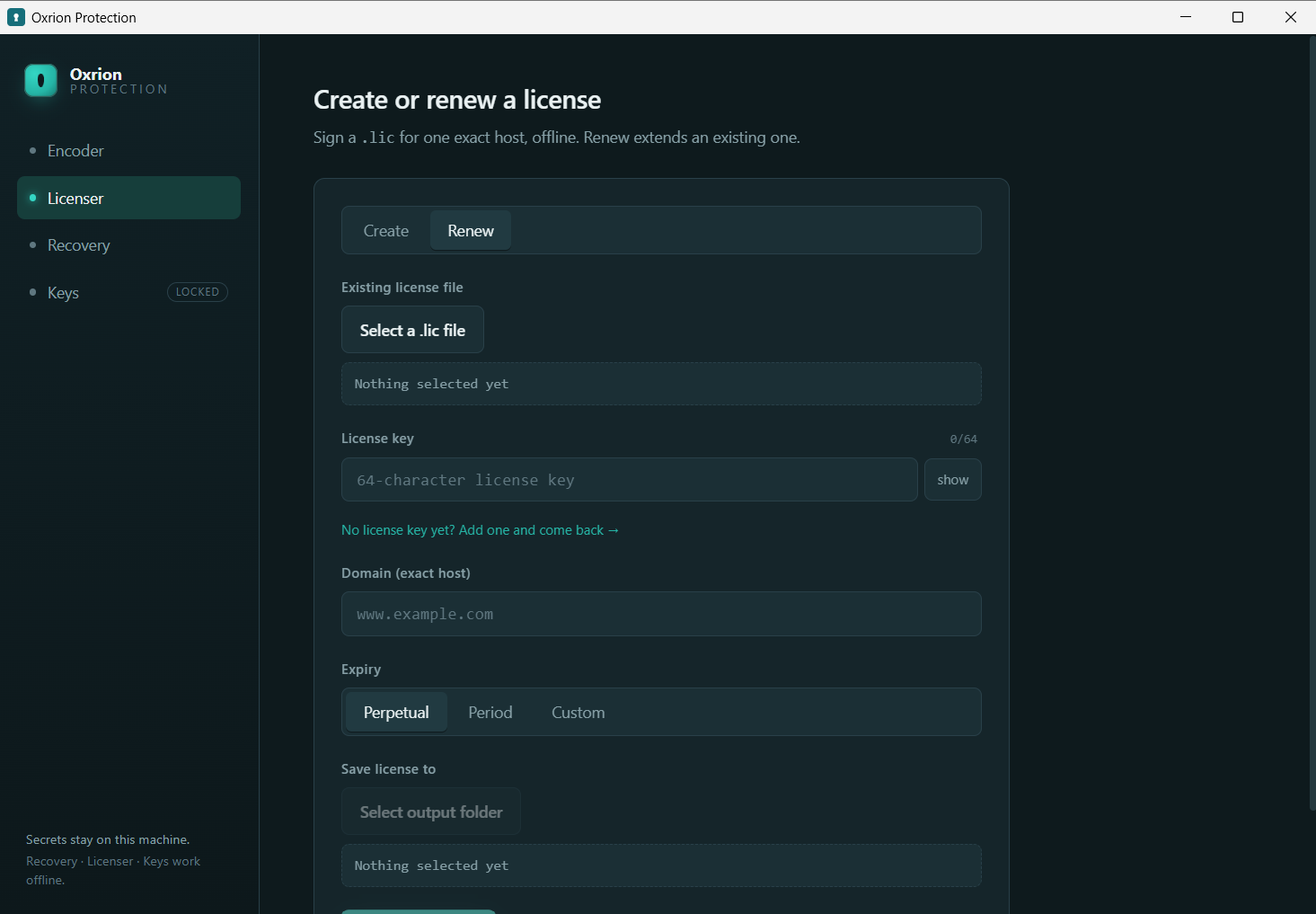
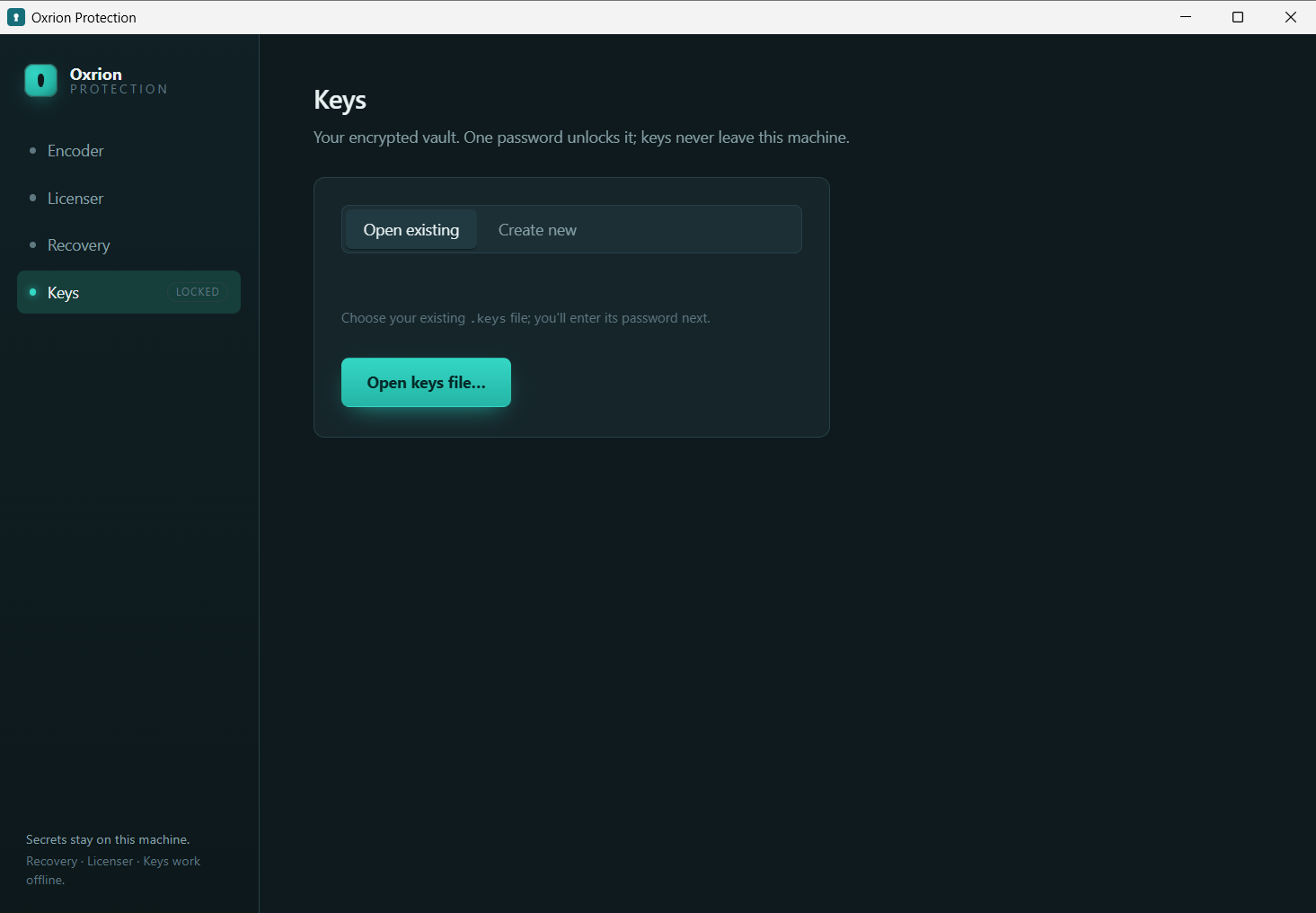
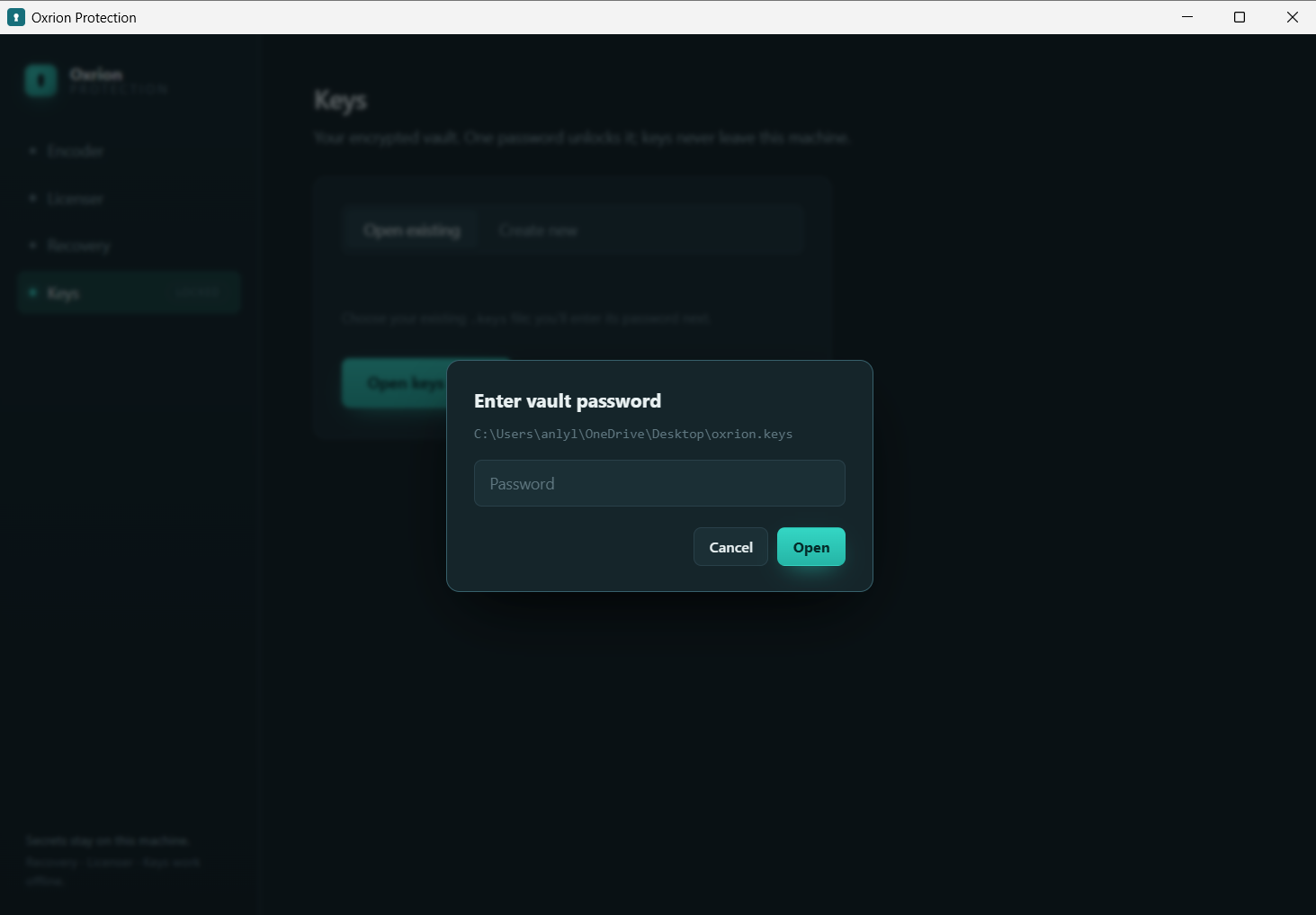
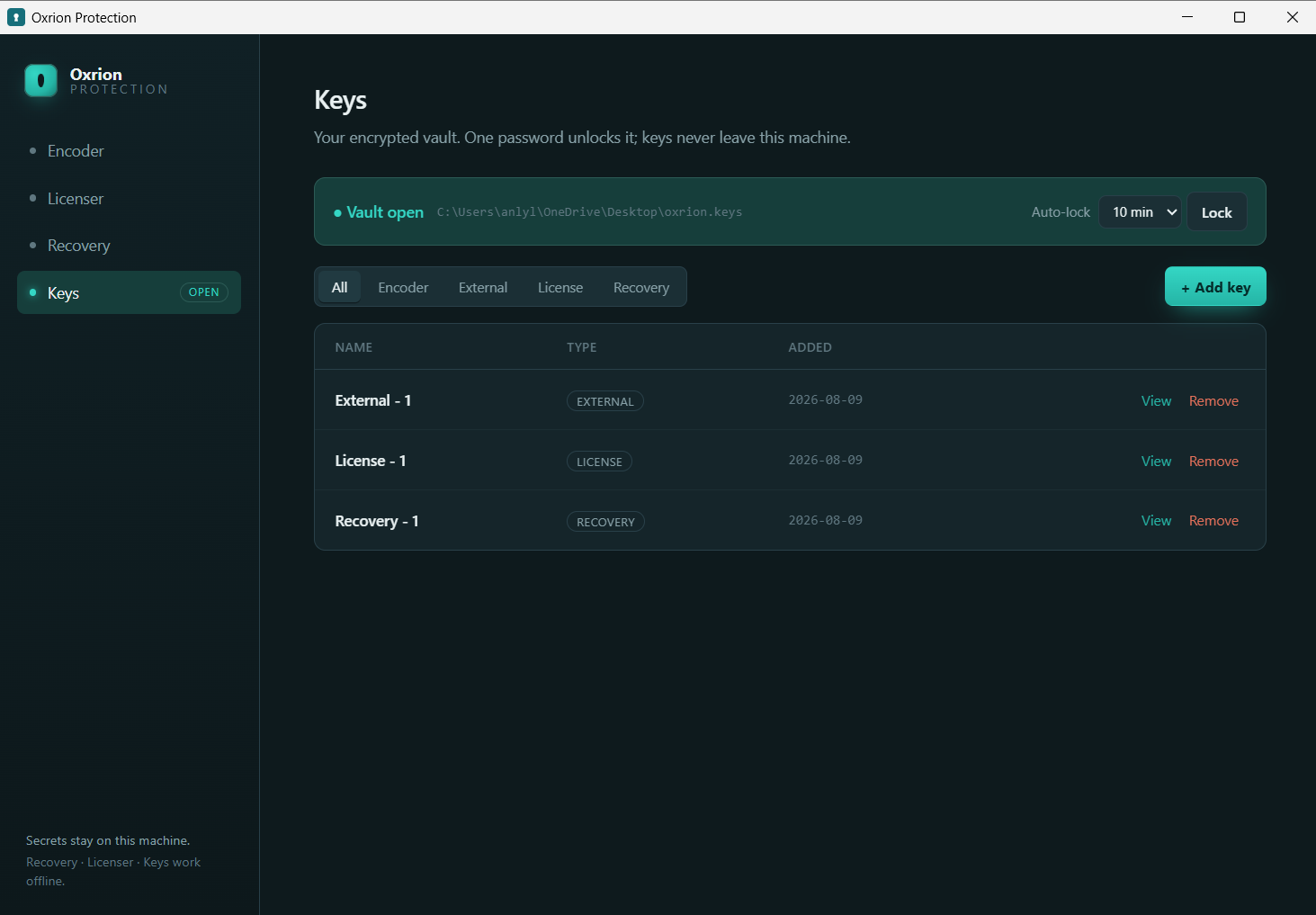
Section titled “Keys — your encrypted vault”One password unlocks the vault; keys never leave this machine.
Add a key
Section titled “Add a key”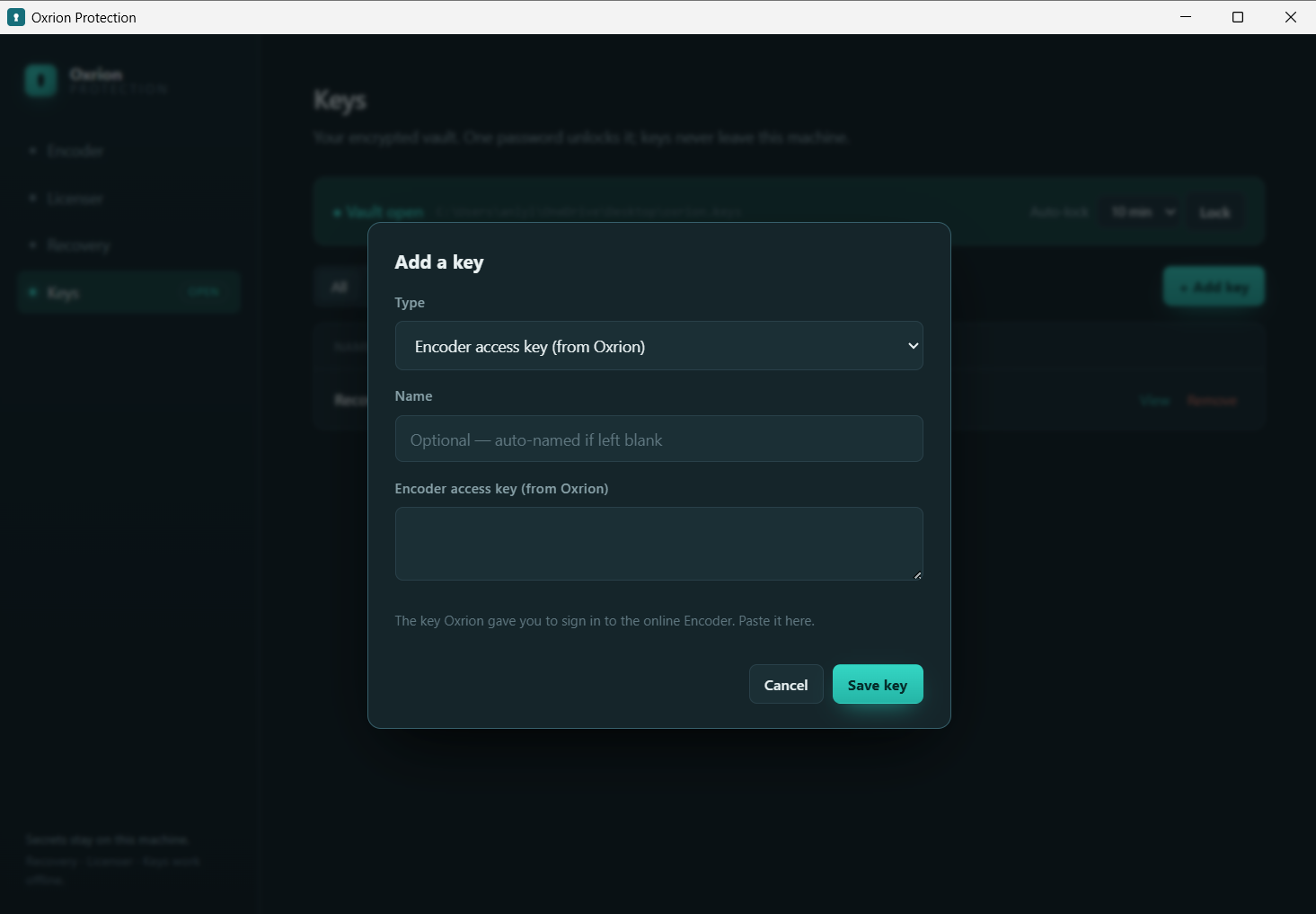
| Field | What it is | |
|---|---|---|
| Type | Required | License keypair, Recovery keypair, or External key. |
| Name | Optional | Auto-named if left blank. |
The remaining fields depend on the type. You can Generate a fresh key or paste your own.
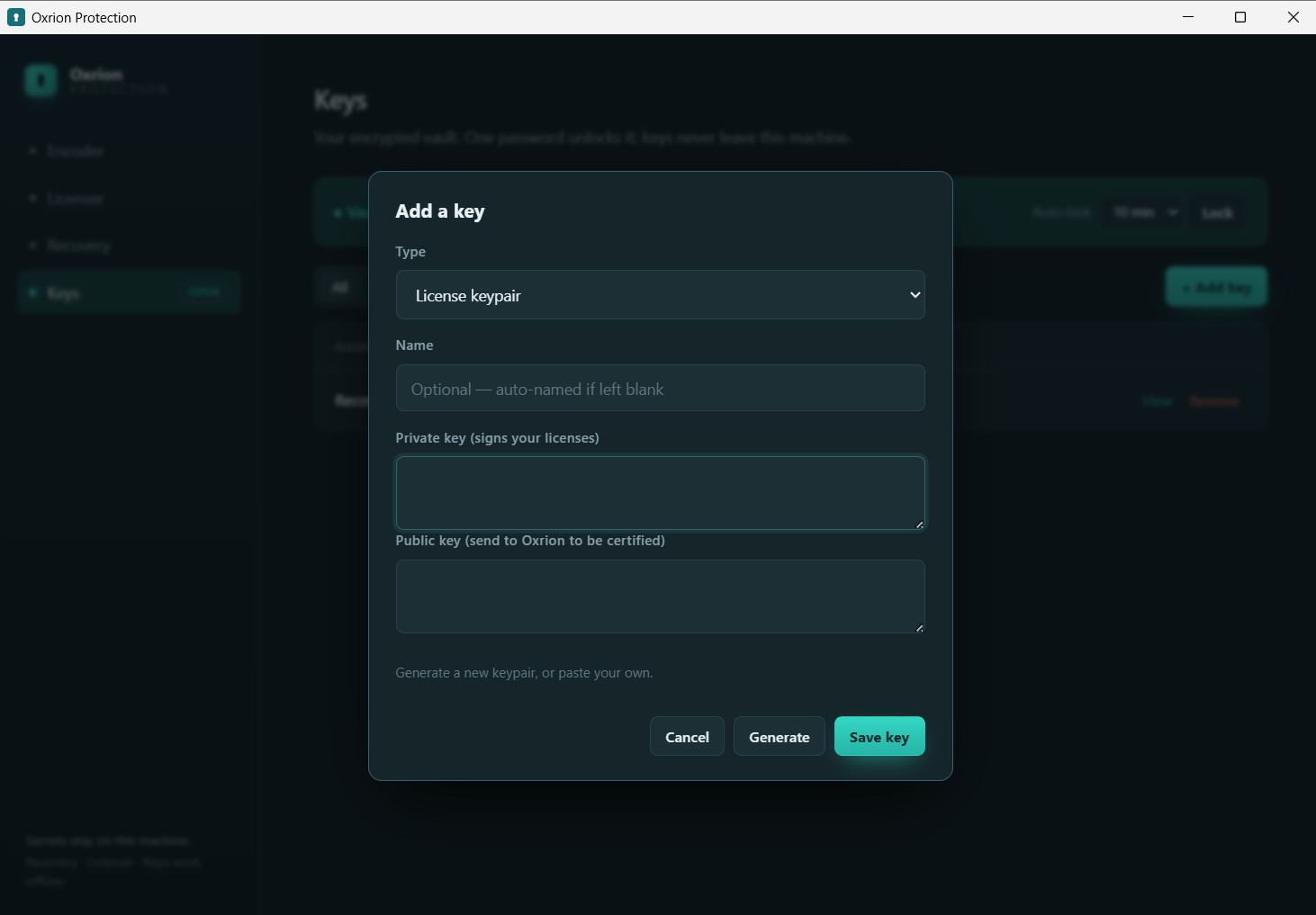
License keypair — what it’s for
| Field | What it is | |
|---|---|---|
| Private key | Required | Signs your licenses. Stays with you. |
| Public key | Required | Sent to Oxrion to be certified, then embedded when encoding. |
Recovery keypair
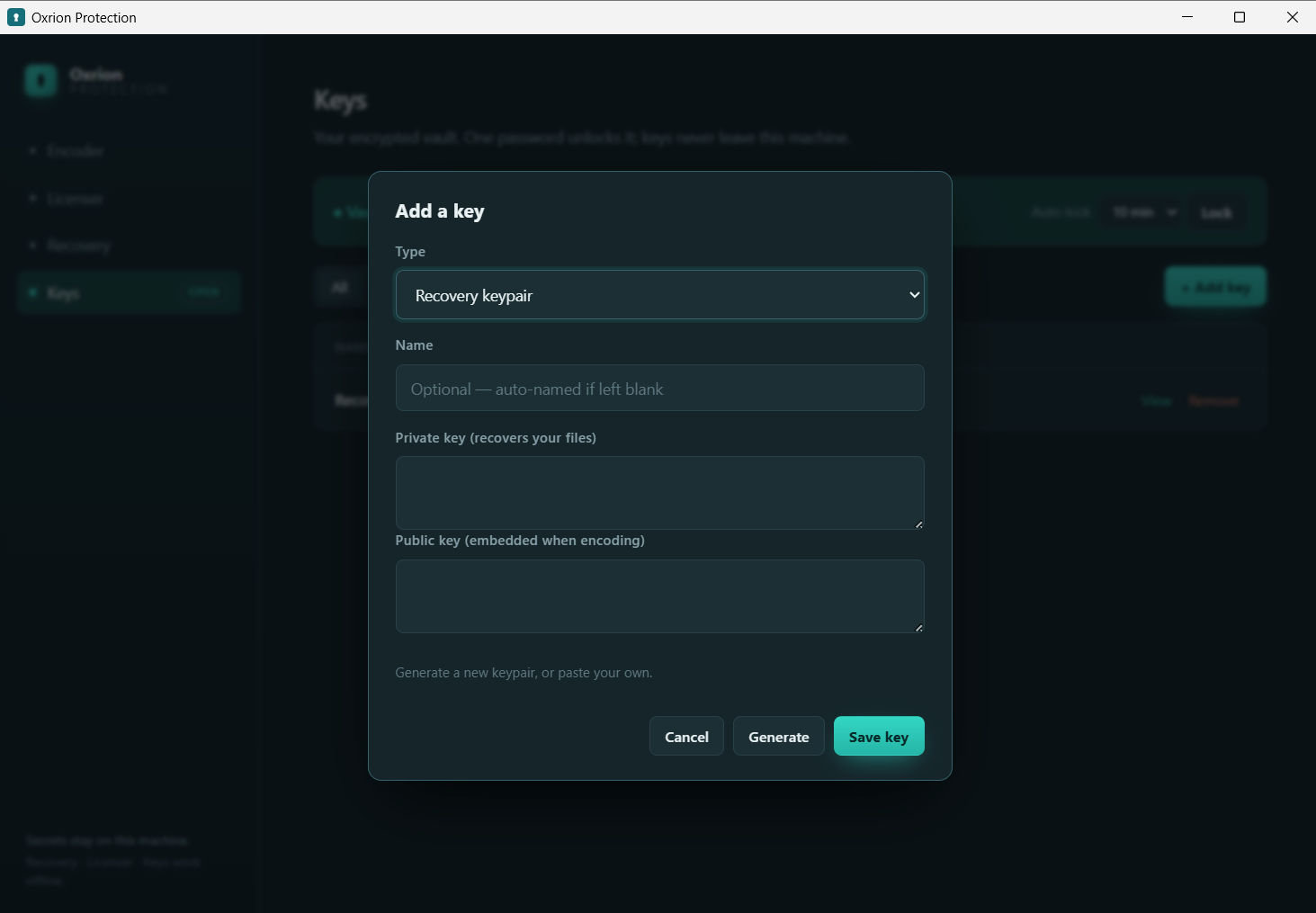
| Field | What it is | |
|---|---|---|
| Private key | Required | Recovers your files. Keep it safe. |
| Public key | Required | Embedded when encoding. |
External key
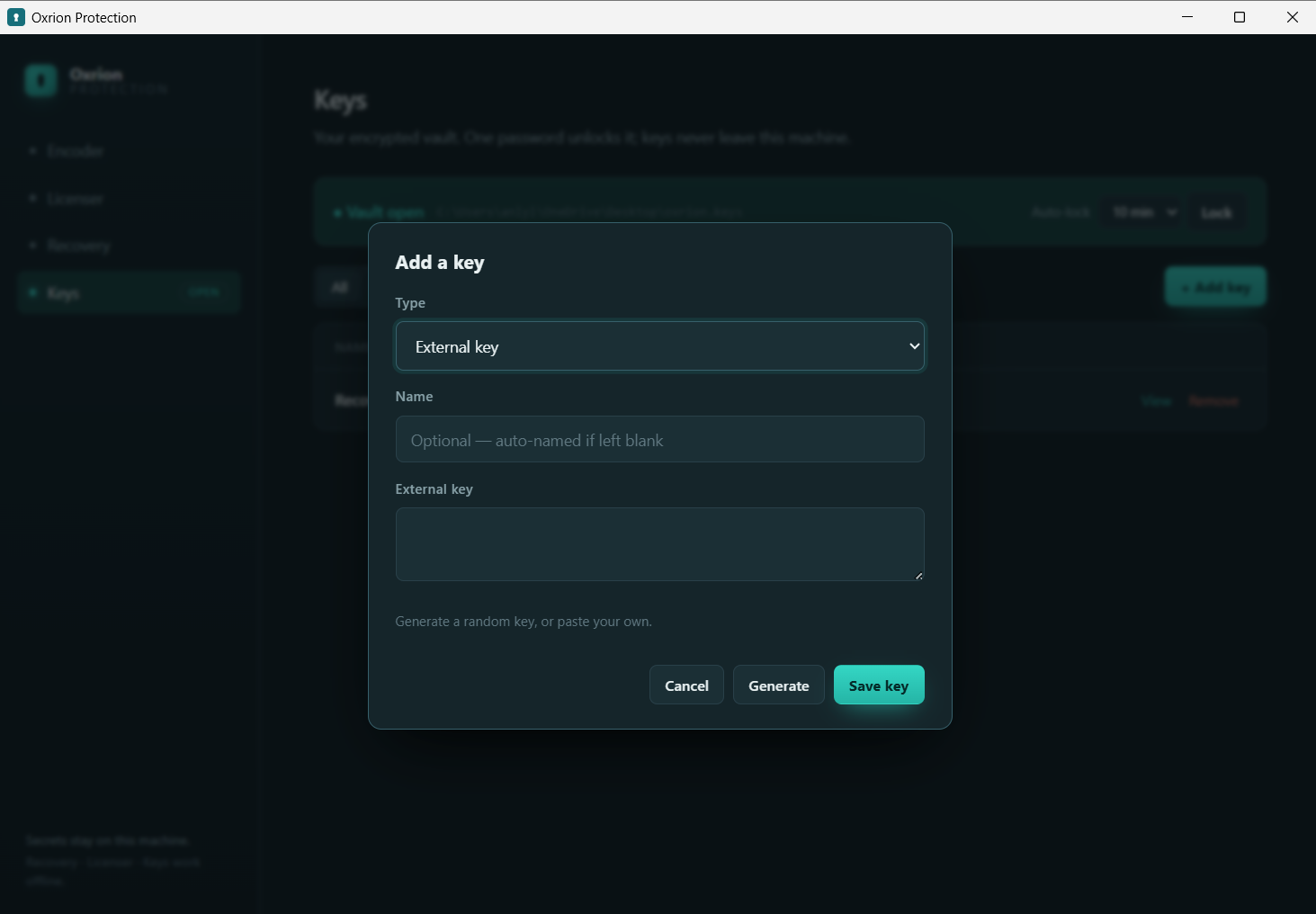
| Field | What it is | |
|---|---|---|
| External key | Required | One 64-character secret value. Generate a random one or paste your own. After you enter it, its ID is shown — that ID names the OXRION_EXTERNAL_KEY_<id> variable you’ll set on the server. |
Recovery — restore source
Section titled “Recovery — restore source”Restore a protected file back to source using your recovery private key. Works fully offline.
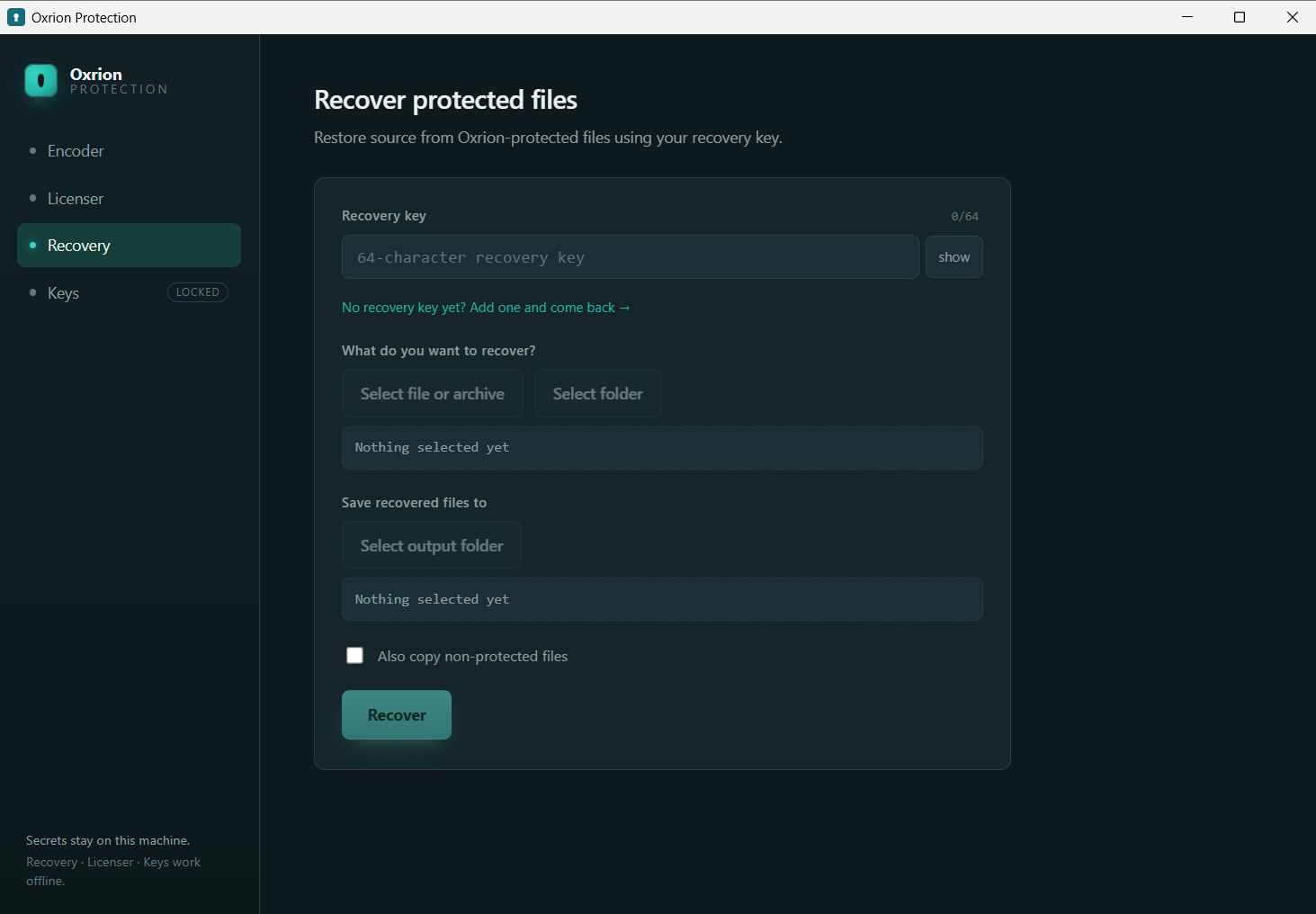
See the Recovery service for what it needs and how it fits.